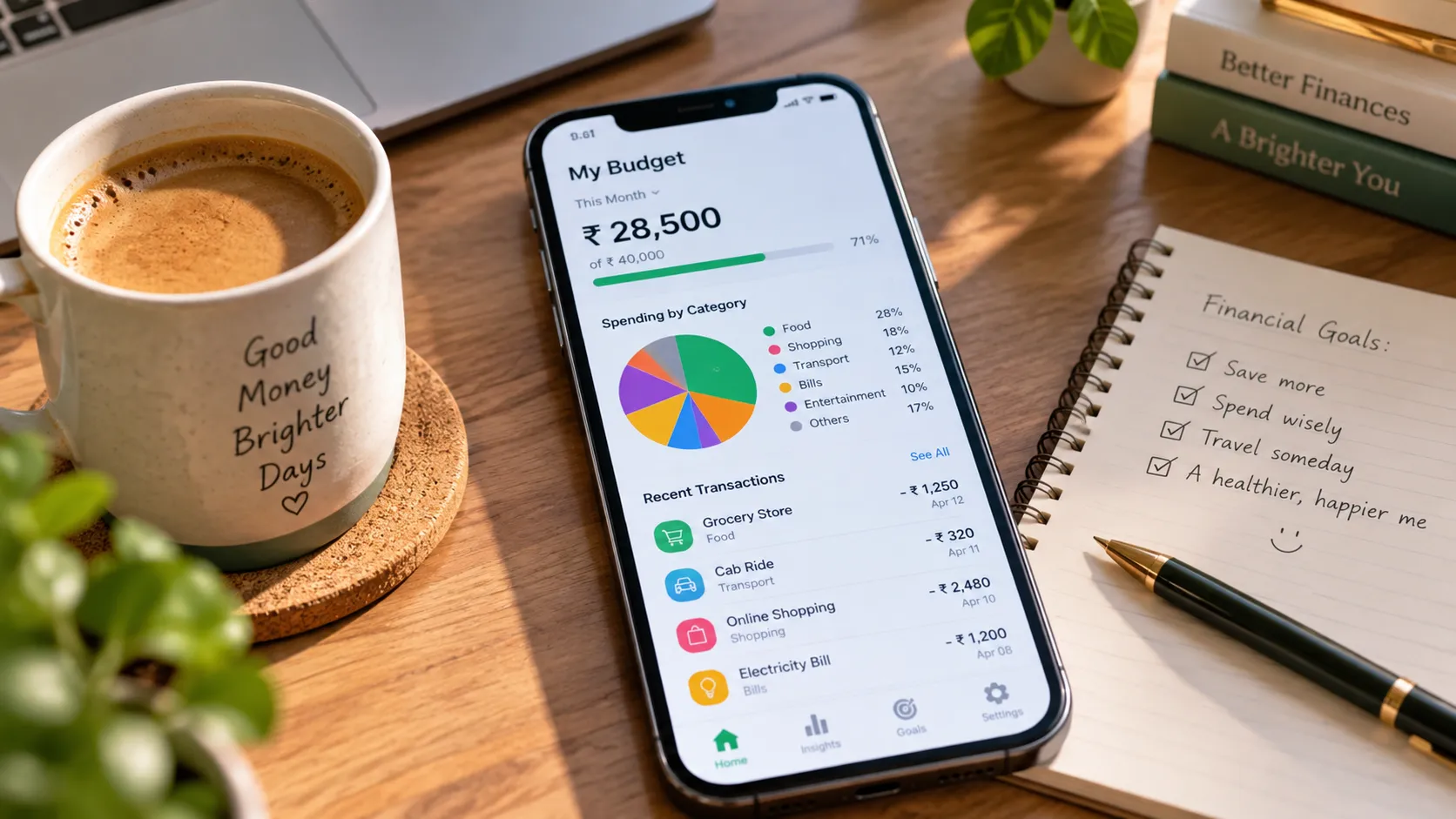
Earning extra income — whether from a side hustle or a passive stream — only builds wealth if you can actually track where the money goes. A budgeting app removes the guesswork.
This guide compares beginner-friendly budgeting apps by cost, features, and who each one suits best, so you can pick one and start using it today instead of researching for another week.
Beginners generally do best with a simple, automatic-tracking budgeting app rather than a complex spreadsheet. Free options are usually enough to start — look for automatic expense categorization, bank-account syncing, and a clear monthly overview.
Paid apps become worth it once you want advanced features like shared household budgets, investment tracking, or detailed custom categories. Start free, and only upgrade once you know exactly which extra feature you need.
What to Look for in a Budgeting App as a Beginner
- Simplicity first: A clean interface you’ll actually open daily beats a feature-packed app you abandon after a week.
- Automatic bank syncing: Manual entry is the number one reason people quit budgeting apps within a month.
- Clear spending categories: You should be able to see, at a glance, where most of your money goes each month.
- Realistic goal tracking: Look for savings goals or targets you can set and monitor over time.
- Data security: Confirm the app uses bank-level encryption and doesn’t sell your financial data.
Types of Budgeting Apps
Envelope-Style Budgeting Apps
Based on the classic envelope method — you assign every rupee a “job” before you spend it. Good for people who overspend without a hard limit per category.
Automatic Tracking Apps
Sync directly with your bank and credit cards, automatically categorizing transactions. Best for people who want visibility without manual data entry.
Spreadsheet-Based Templates
Fully manual, fully customizable. Best for people who enjoy hands-on tracking and want complete control over categories and formulas.
All-in-One Finance Apps
Combine budgeting with investment tracking, bill reminders, and net worth monitoring in a single dashboard.
Free vs Paid Budgeting Apps: What’s the Real Difference?
| Feature | Typical Free Tier | Typical Paid Tier |
|---|---|---|
| Bank account syncing | Usually included, sometimes limited to fewer accounts | Unlimited accounts, faster sync |
| Custom categories | Basic preset categories | Fully customizable categories and subcategories |
| Shared/household budgets | Rarely included | Often included |
| Investment tracking | Limited or unavailable | Usually included |
| Ads | Common | Ad-free |
| Best for | Beginners testing the habit | People who’ve outgrown basic tracking |
Commit to a free app for at least 30 days before considering a paid upgrade. Most people quit budgeting apps in the first two weeks — proving to yourself that you’ll stick with it is more valuable than any premium feature.
How to Choose the Right App for Your Situation
If You’re Just Starting Out
Pick a free, automatic-tracking app with minimal setup. Your only goal in month one is building the habit of checking it regularly.
If You’re Managing a Household Budget
Look for apps with shared access so both partners can see and update spending in real time.
If You’re Also Tracking Side Income
Choose an app that lets you tag or separate irregular income streams, so freelance or side-income earnings don’t get mixed in with your fixed salary.
If you’re earning irregular income from freelancing or a side hustle, pairing a budgeting app with our guide on realistic side income ideas from home can help you plan around inconsistent monthly earnings.
A Simple 30-Day Budgeting App Setup Plan
| Week | Focus |
|---|---|
| Week 1 | Download one free app and connect your primary bank account or card. |
| Week 2 | Review auto-categorized transactions daily and correct any miscategorized ones. |
| Week 3 | Set one realistic savings goal and one spending limit for your highest category. |
| Week 4 | Review your first full month of data and decide if you need a paid upgrade. |
Avoid apps that require excessive permissions unrelated to tracking spending, don’t clearly explain their data privacy policy, or pressure you into a paid plan before you’ve used the free version. Read the privacy policy before linking any bank account.
Frequently Asked Questions
Are budgeting apps safe to link with my bank account?
Reputable budgeting apps use bank-level encryption and read-only access, meaning they can view transactions but cannot move money. Always check an app’s security certifications and privacy policy before connecting an account.
Do I need a paid budgeting app to see real results?
No. Most beginners can build a solid budgeting habit and see meaningful results using a free app’s core features. Paid tiers add convenience, not a fundamentally different outcome.
What’s the difference between a budgeting app and an expense tracker?
An expense tracker simply logs what you’ve spent. A budgeting app goes further by helping you plan spending limits in advance and comparing actual spending against those limits.
Can a budgeting app help with irregular income?
Yes, some apps offer income-smoothing or irregular-income budgeting features designed specifically for freelancers and people with variable monthly earnings.
How long does it take to see results from budgeting?
Most people notice clearer spending patterns within the first month, though meaningful savings growth typically takes three to six months of consistent use.
Related OmniGuide Articles
Trusted Sources and Further Reading
App features and pricing change frequently. Always check the current app listing and privacy policy directly before downloading or linking financial accounts.
The best budgeting app is the one you’ll actually open every week. Start free, focus on building the habit for 30 days, and only pay for extra features once you know exactly which ones you’re missing.
Consistent tracking beats a perfect app you never use.
Put Your Extra Income to Work
Once your budget is under control, explore more ways to grow your income on OmniGuide.
See Passive vs Side Income Explore OmniGuide